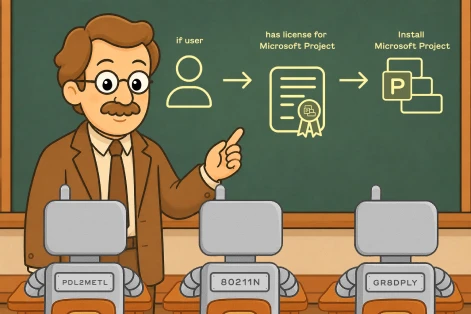
Deployment Resolution is the process by which ImmyBot determines which deployment "wins" when multiple deployments could apply to the same computer or user. This is essential for handling exceptions and special cases.
Also known as:
- Creating Exceptions
- "Winning" Deployments
- Dealing with Snowflakes
Like Group Policies have a "Winning Policy", ImmyBot must have a "Winning Deployment" for a given Maintenance Item on a computer. When multiple deployments target the same computer with conflicting settings, ImmyBot uses specific rules to determine which one takes precedence.
Deployment Heirarchy
This is the general precedence order ImmyBot uses when more than one deployment targets the same computer, person, or tenant for the same piece of software or task: a deployment targeting an individual Computer or Person always wins over a Single Tenant deployment, which always wins over a Cross Tenant deployment. Within each of those tiers, ImmyBot also takes the deployment’s Target Group Filter (for example a filter scoped to Servers or to a specific device group beats one with no filter, i.e. "All") and the software’s Desired State into account as tie-breakers.
Only one deployment "wins" per Maintenance Item (Software or Task) per computer/person/tenant. ImmyBot evaluates deployments from highest to lowest priority and stops at the first one that applies — it does not merge or average conflicting settings from multiple deployments.
Example Scenario
Lets say you want to ensure that a client has a softphone that needs to be deployed to everyone, except for the CEO, who’s name is John Doe.
You would:
A. Deploy it to all computers in the tenant – Create a software deployment for this softphone, set the Software Should Be field to Installed, set Task Mode to Enforce, set Target Enforcement to Required, set Target Scope to Single Tenant, set Target Type to All Computers and set Target Filter to Workstations and Portable Devices
B. Ensure it’s uninstalled from John Doe’s computer – Create a software deployment for this softphone, set the Software Should Be field to Uninstalled, set Task Mode to Enforce, set Target Enforcement to Required, set Target Scope to Individual, set Target Type to Person and set Person to John Doe
Here, the software will get installed on all computers, except John Doe’s. ImmyBot will ensure that John Doe’s computer has the software uninstalled.
Example Scenario 2
Let’s say you have a customer "Contoso" that uses Adobe Acrobat instead of Adobe Reader, and you would like that to be installed instead.
This scenario assumes there is an existing cross-tenant deployment to install Adobe Reader.
Step 1: Create a Deployment that sets the desired state of Adobe Reader to Uninstalled for Contoso
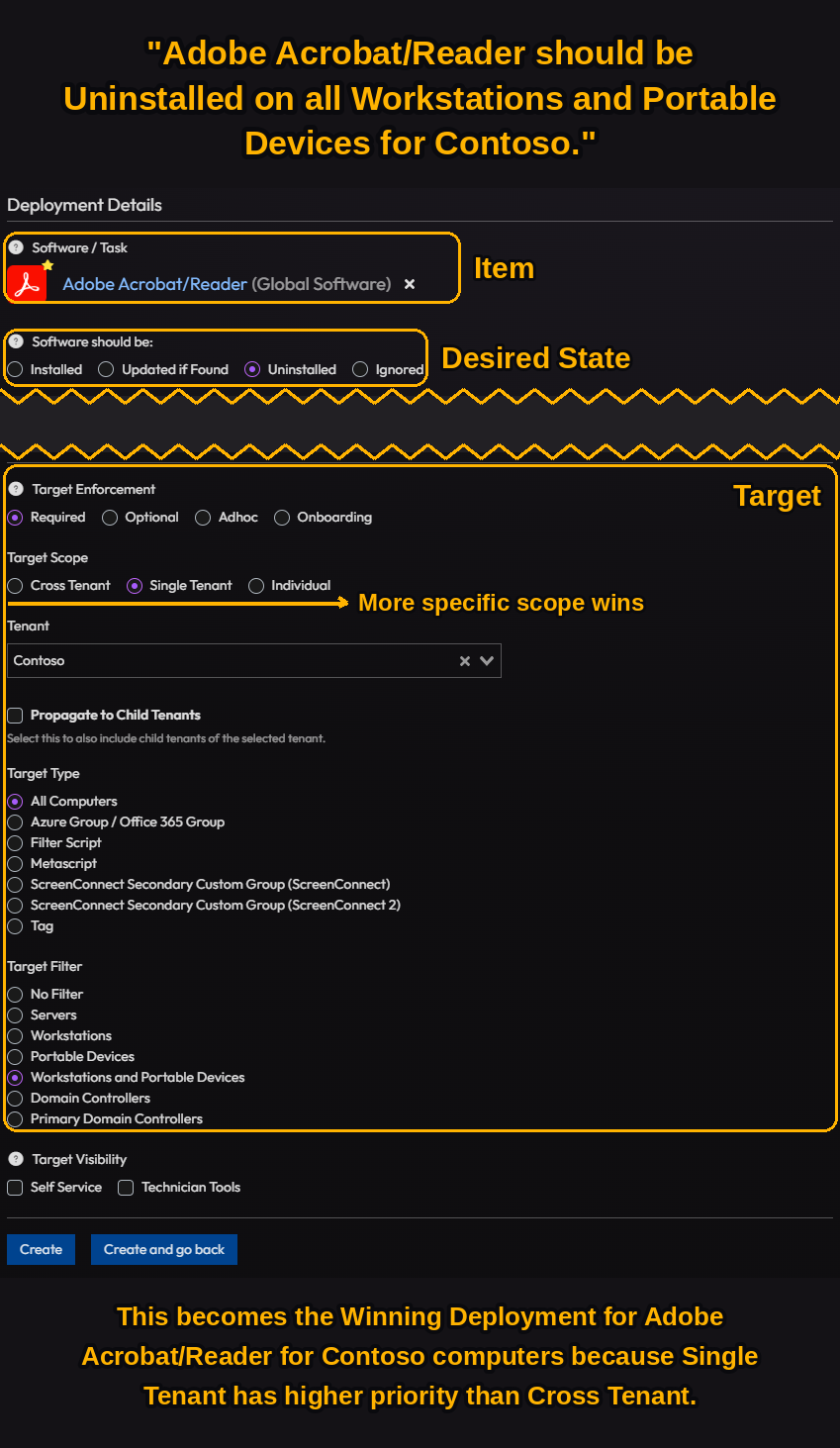
Step 2: Create a Deployment that Installs Adobe Acrobat for their computers

Result: When maintenance runs on Contoso computers, Adobe Reader will be uninstalled and Adobe Acrobat will be installed, even if you have a global deployment that normally installs Adobe Reader on all computers.